Color
Swatches
Patterns
Styles
Navigator
Info
#
R
G
B
Properties
Adjustments
Character
Paragraph
No properties
Layers
Channels
Paths
History
Brush Settings
Layers
Channels
Paths
History
Brush Settings
Layers
Channels
Paths
History
Brush Settings
Online photo editor
Popular tools
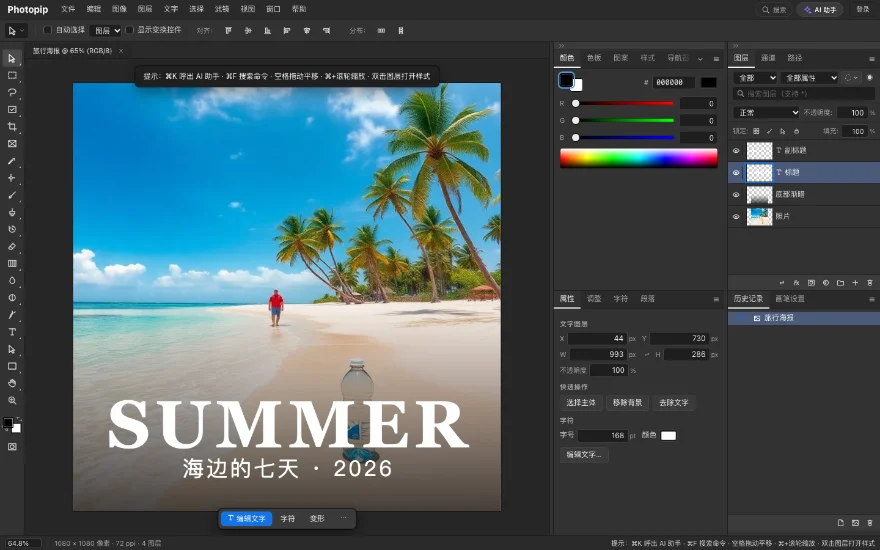 Open PSD filesLayers, masks and text kept
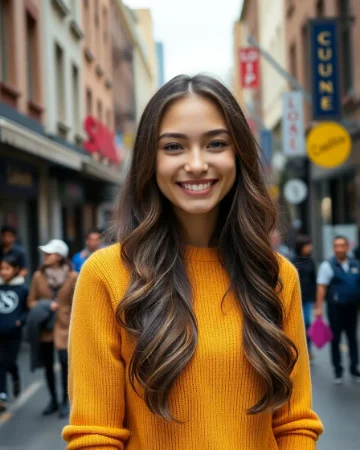
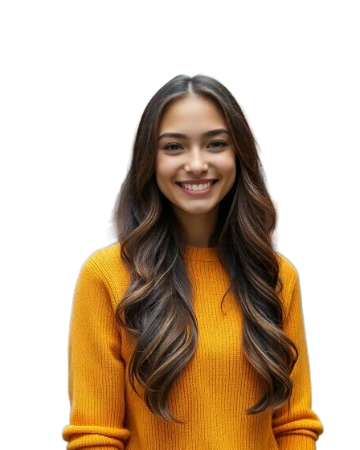 Remove backgroundAI cutout in a few seconds
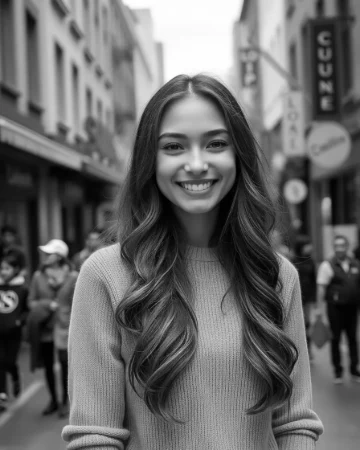 AI photo editorSay what to change; edits land in layers
Quick start
Start from a template
Background10
Remove backgroundAI cutout in a few secondsChange backgroundWhite, a color or a new sceneBlur backgroundBlur only what is behind the personTransparent backgroundA real transparent PNGProduct photo on whiteCut out, placed on white, cropped squareRemove logo backgroundPicked by color, letter holes clearedFake transparent PNG fixClear painted-in checkerboard squaresTransparent signatureKeep the ink, lose the paperDTF transparent PNGNo half-clear pixels, tagged 300 ppiBatch remove backgroundsA whole set to transparent PNG
Convert26
WEBP and HEIC
PDF
PNG and JPG
Other
Extract textRead the text, copy line by lineVideo to GIFEach frame a layer you can editSVG to PNGPixels at the size you setAVIF to JPGPictures saved from web pages, as JPGsAVIF to PNGIcons with see-through backgrounds, as PNGsJFIF to JPGA .jfif is a JPEG; save it as .jpgPNG to WEBPTransparent logos as smaller WEBPsICO to PNGThe biggest picture in an icon fileBMP to PNGSame pixels, a much smaller filePSD to PNGLayers rendered, transparency keptScreenshot to textCopy the lines out of a screenshot
Size17
Resize imageType a width or height, no stretchingCompress imagePick a size limit, best quality that fitsCrop imageDrag a frame or pick a ratioUpscale 2×AI upscale, cleaner edgesGrid makerSplit 3×3, numberedResize GIFEvery frame scaled togetherCrop to a circleCentered on the face, transparent cornersBatch resizeOne longest side for a setApp Store screenshot sizes1206 × 2622 and 1320 × 2868Google Play screenshot sizesPadded to 9:16, 24-bit PNGCompress to 20 KBPhotos and signatures for 20 KB formsCompress to 50 KBPhotos for 50 KB recruitment formsDiscord emoji size128 px, under 256 KB, sticker 320 pxYouTube thumbnail size16:9 around the face, under 2 MBCrop to 16:9Framed on the face or subject; 4:3, 9:16 tooCompress to 100 KBPhotos for 100 KB upload limits300 dpi for printTag 300 ppi, see print size
Remove12
Remove my watermarkYour own © line, found and filledRemove objectsBrush over it; it fills in from the surroundingsRemove textErase text, fill the backgroundRemove peopleShadows go tooBlur facesFinds faces, covers them solidBlur a license plateDrag a box, it turns solid blackPixelateBlocks of color, cell size 2–200Remove blemishesSpots found for you, removed in one clickRemove EXIF dataLocation, camera and date outView image metadataLocation, camera and date takenRedact a screenshotBlack out names and numbersRemove text from a screenshotErase subtitles, keep the frame
Make12
Passport photoPick a size and background color, print a sheetAdd watermarkText or a logo, tiled if you likeAdd text to photoA caption that stays a layerCombine two photosSide by side or stackedBulk certificatesOne per spreadsheet rowUS passport photo2×2 in, 600 × 600 px, print sheetPhoto & signature for formsInside the form's KB rangeBatch watermarkOne mark on a whole set of photosShopify image sizePad a collection to 2048 squaresImage to pixel artA pixel grid, retro palettesCross-stitch patternA chart in DMC floss colorsAdd AI label“AI-generated” in a corner
Edit12
AI photo editorSay what to change; edits land in layersOpen PSD filesLayers, masks and text keptRaw adjustmentsExposure, white balance, HSL, mixerRotate imageTurn a sideways photo upright, same formatRestore old photoCast and specks off, AI facesAuto enhanceExposure, color and sharpness in one clickSharpenUnsharp Mask, crisper edgesInvert colorsA negative, transparency keptFlip imageLeft-right or top-bottom, same formatAdd text to GIFA caption on every frameColor pickerHEX, RGB and CMYK from a clickApply a LUT.cube, .3dl or a built-in look
Help3
Tutorials4
- Remove a background with a layer maskSelect subject, refine edges and keep editable masks
- Edit text and photos in a PSD fileUpdate type layers, smart objects and save PSD
- Resize an image without losing qualityDownscale for web, set 300 ppi for print or upscale 2×
- All step-by-step tutorialsBrowse every guide with screenshots and sample files
Sample photos
About Photopip
- Product
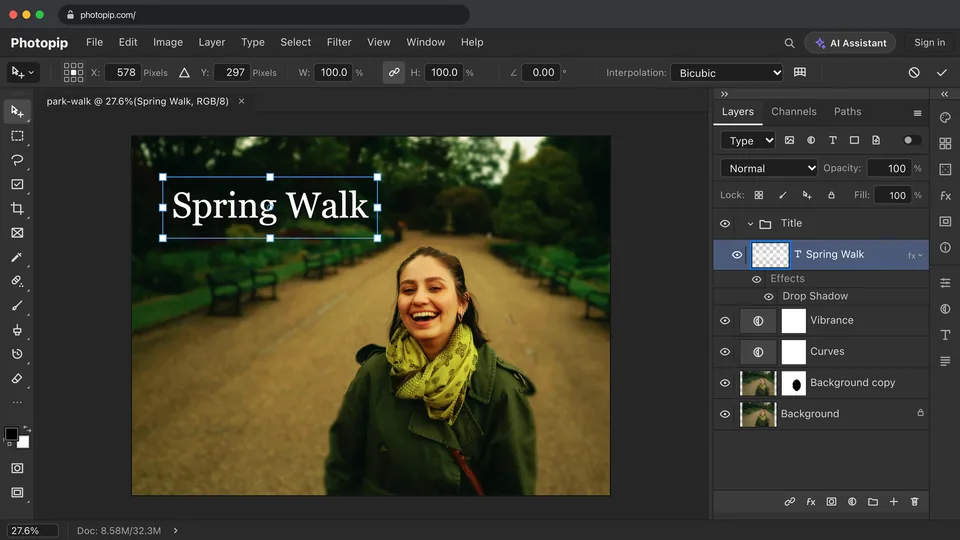
- Photopip is a free image editor that runs in the browser, with nothing to install. Its workspace has a menu bar, a toolbar, an options bar and dockable panels, with layers, masks, adjustment layers, blend modes and filters.
- Files
- Opens and saves PSD files with layers, groups, masks, adjustment layers, layer styles and editable type layers. Also opens JPEG, PNG, WebP, AVIF, HEIC, GIF, TIFF and PDF, and exports PNG, JPEG, WebP and other formats.
- Processing
- Editing, adjustments, filters, export and saving run in the browser; images are not uploaded. AI cutout, AI removal (objects and text), AI upscale and the cloud AI assistant are processed on Photopip servers. Cutout, removal and upscale send only a downscaled image or the area being repaired, and the working copy is deleted within one hour. Text recognition and face detection run on the device on a computer and on the server on phones and tablets. When Product Improvement is turned on in Privacy Choices, desktop browsers also send a small image of the visible canvas.
- Account
- Editing is free and needs no sign-up. AI cutout, AI removal and AI upscale work without signing in; the cloud AI assistant requires signing in, and some AI features use AI credits.
- Limits
- Editing happens in 8 bits per channel sRGB: 16-bit files are converted to 8 bits on opening, and CMYK uses an approximate ink model. Documents can be up to 16384 pixels on a side and 100 million pixels in total, about 16.7 million pixels on iPhone and iPad. In Chrome and Edge, Save writes back to the original file; in Safari and Firefox, saving downloads a copy. Shortcuts such as ⌘/Ctrl+N, ⌘/Ctrl+T and ⌘/Ctrl+W are taken by the browser in a normal tab. Use the menu commands instead; in Chrome and Edge, they also work after pressing F twice for full screen mode.
Online photo editor
Start from a template
Free. No sign-up.